








You don’t have to be famous or rich to be caught in a data breach. Every year, hackers break into websites and apps and steal millions of email addresses and passwords. Those details are then traded or sold online. The scary part is that you often never hear about it. This guide shows you how to check whether your email or password has leaked online, and what to do if it has.
What is a data breach?
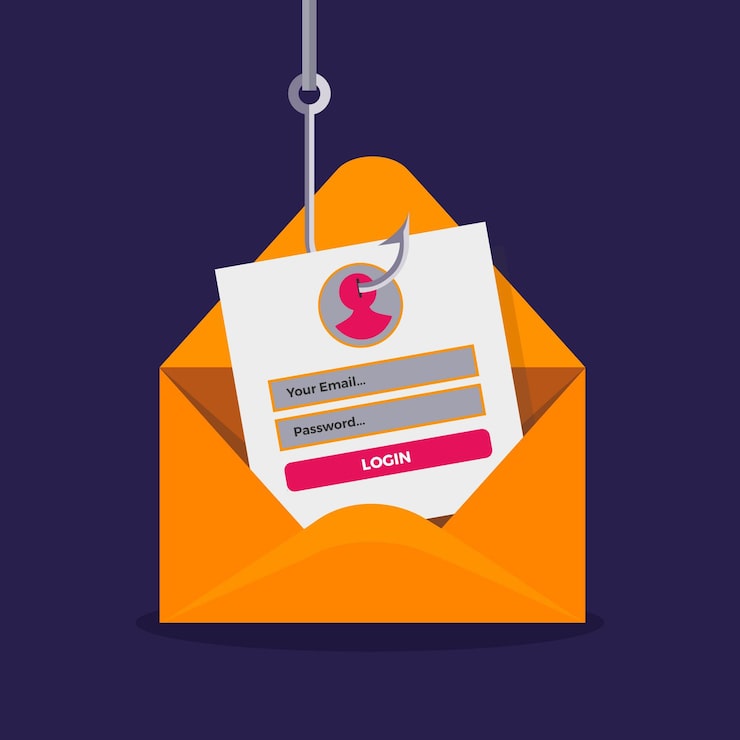
A data breach happens when someone gets unauthorized access to a company’s database. If you ever created an account on that service (a shopping site, a forum, a game, a social app), your details may be inside it. These usually include your email address, and sometimes your name, phone number and a password.
The danger comes from password reuse. If you use the same password on several sites, a leak from one small website can give criminals the key to your email, social media or even your money.
Signs your details may have leaked
- You get password reset emails you never requested
- Strange login alerts from places you’ve never been
- A sudden increase in spam, scam calls or phishing messages
- Friends tell you they received odd messages from your account
- You are locked out of an account you didn’t change
None of these proves a leak, but any of them is a good reason to check right now.
Method 1: Check your email on Have I Been Pwned
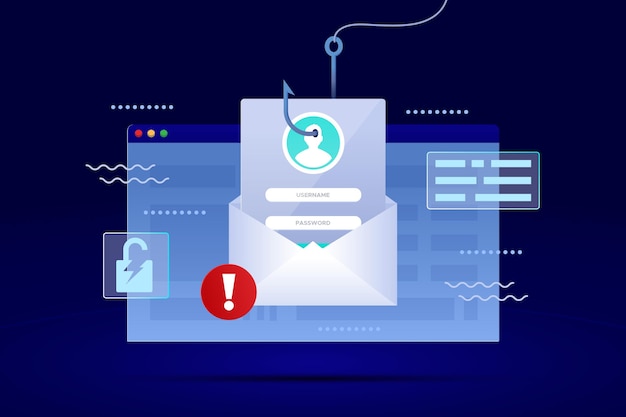
The most trusted free tool is Have I Been Pwned (haveibeenpwned.com), created by security researcher Troy Hunt.
- Open haveibeenpwned.com in your browser.
- Type your email address into the search box and press the button.
- Read the result. A green result means your email wasn’t found in the breaches the site knows about. A red result lists the websites where your email appeared, along with what type of data was exposed.
Check every email address you use, including old ones. You can also subscribe to the site’s free notifications so you get an alert if your email appears in a future breach.
Method 2: Check if your password has been exposed
Have I Been Pwned also has a Pwned Passwords page. It tells you whether a password appears in known leaks. The tool is designed so that your full password is never sent to the site, which is why it’s widely considered safe to use.
Still, a good rule is: never type your real, current password into random websites. Stick to well-known tools, or use the built-in checkers below.
If a password shows up as leaked, even once, stop using it everywhere. Anything that has appeared in a breach is now known to attackers.
Method 3: Use the checker built into your phone or browser
The easiest option is often already on your device.
- Google Password Manager (Android and Chrome): Run Password Checkup from your Google account’s password settings. It scans your saved passwords and flags ones that are weak, reused or exposed in a breach.
- iPhone: In Settings, open Passwords and look at the security recommendations. iPhone warns you about reused, weak and compromised passwords.
- Browser or password manager: Many password managers and browsers (Firefox, Edge, Bitwarden, 1Password and others) include breach alerts for the sites you’ve saved.
These tools are convenient because they check all your saved logins in one go.
What to do if your email or password has leaked

Don’t panic. Act in this order:
- Change the password on the breached site immediately.
- Change it anywhere else you used the same password. Start with your email, then banking, mobile money, social media and shopping accounts. Your email comes first because it can be used to reset every other password.
- Make each password unique. Use a long passphrase or let a password manager generate random ones.
- Turn on two-factor authentication (2FA) for your email, social media, and financial accounts. Use an authenticator app if possible instead of SMS codes.
- Log out of all devices from the account’s security settings, in case someone is already logged in.
- Watch your accounts for suspicious activity, and be extra careful with unexpected messages for the next few weeks.
How to protect yourself in the future
- Use a password manager so you never have to remember or reuse passwords
- Avoid signing up for every random app or website with your main email
- Consider a separate email address for shopping and newsletters
- Keep your apps and phone updated
- Don’t click links in unexpected emails or messages, even if they look official. Leaked data is often used to make scams look convincing, which links back to our guide on how to spot AI-generated scam messages.
READ MORE: Why Your Data Finishes So Fast (and 10 Settings to Fix It)
Final thoughts
Checking for a leak takes about two minutes, and it’s one of the smartest security habits you can build. Check your main email address today, fix any weak or reused passwords, and switch on two-factor authentication. A few minutes of effort now can save you from a hacked account later.
Have you ever found your email in a breach? Share your experience in the comments.
